Resources
Screens and Remotes: Cleaning Without Seepage
Reading · 2 min
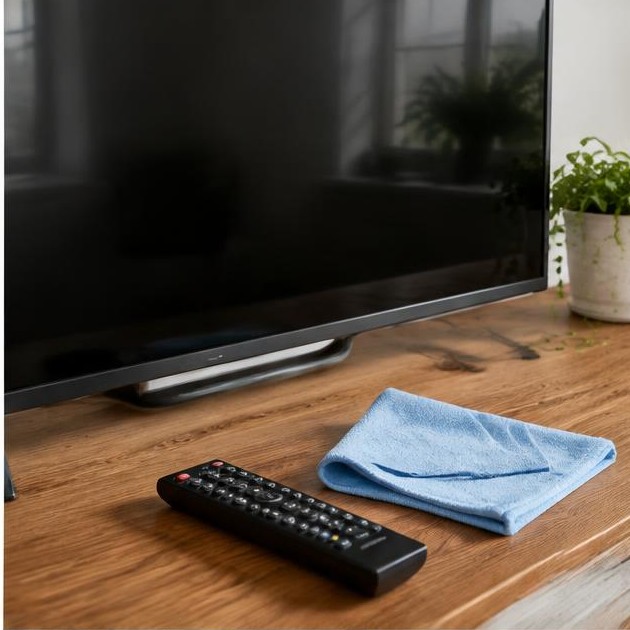
Modern electronic displays and remote controls are highly vulnerable to moisture and harsh chemical agents. Proper maintenance prevents pixel damage and hardware failure caused by liquid infiltration, requiring a specialized approach that prioritizes the integrity of delicate anti-reflective coatings.
Safe Screen Preparation
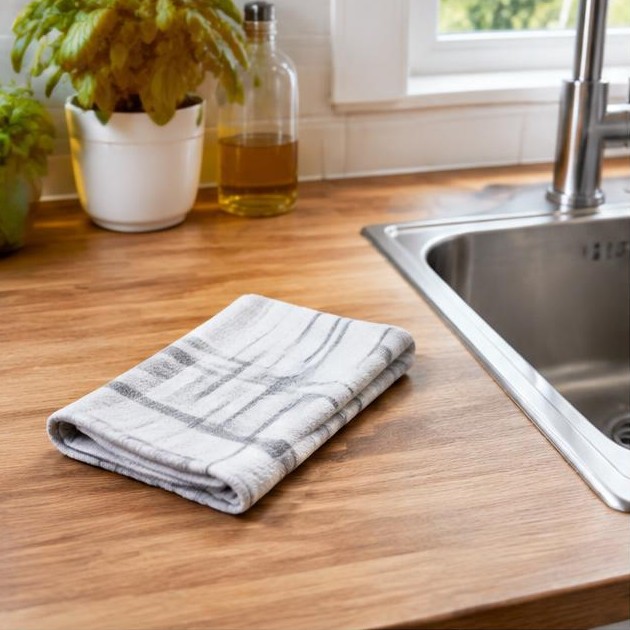
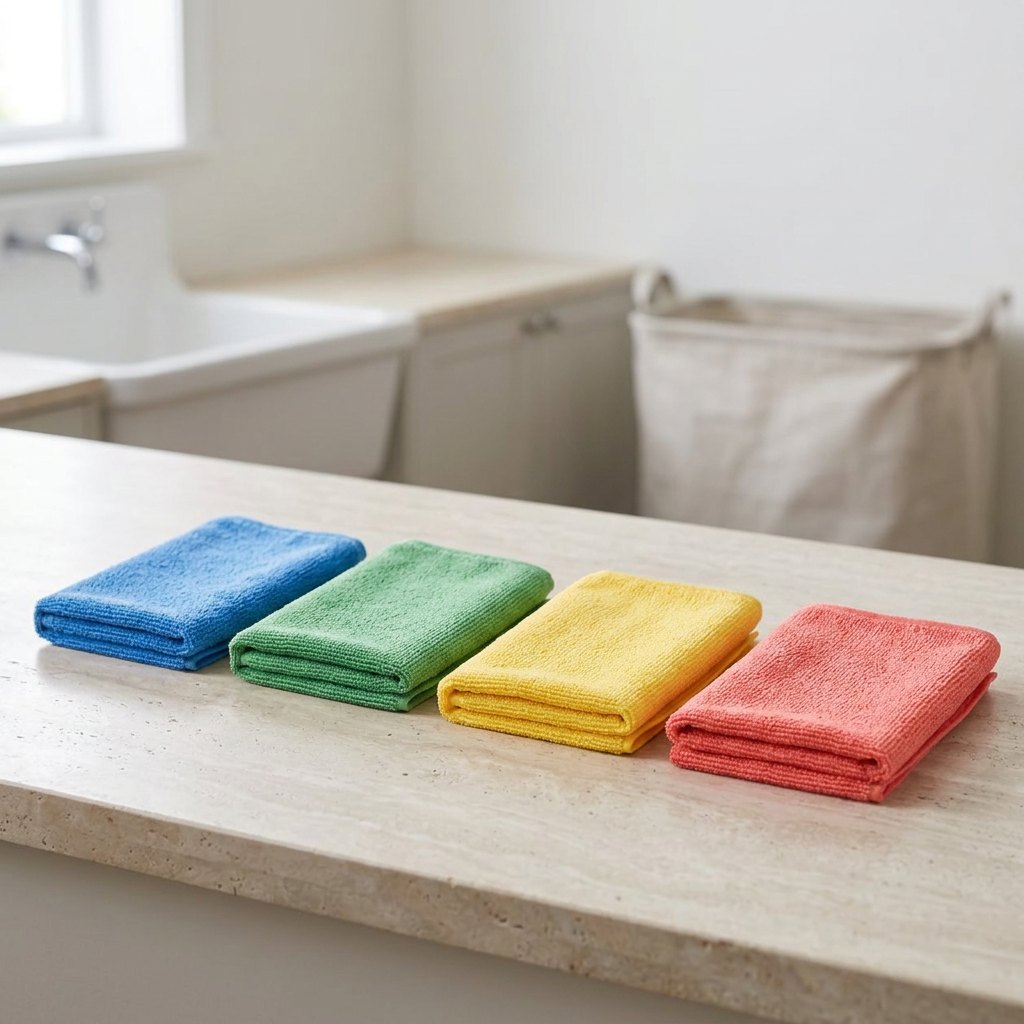
Power down the device and unplug it from the wall outlet. A dark, powered-off screen reveals dust and smudges more clearly for effective cleaning. Use only a high-quality, dry microfiber cloth intended for delicate optics to avoid creating microscopic scratches on the screen's surface.
Never spray any liquid directly onto the screen. Gravity can pull droplets into the bezel, where they may reach sensitive electronic controllers, leading to permanent short circuits. Always test your cleaning cloth on a small, inconspicuous corner of the screen before proceeding with the entire display area.
Removing Smudges Safely
Gently wipe the screen using broad, consistent strokes without applying downward pressure. If necessary, lightly dampen the cloth with a small amount of distilled water. Avoid tap water, which contains minerals that can leave a permanent foggy residue or even scratch the surface over time.
Do not use paper towels, window cleaners, or products containing ammonia or high concentrations of alcohol. These substances can strip away the specialized anti-reflective coating applied to the glass. Use a separate dry microfiber cloth to buff away any remaining moisture immediately after cleaning.
Disinfecting Remote Controls
Remove the batteries before cleaning any remote control to prevent accidental shorting. Use a slightly damp cloth with a small amount of isopropyl alcohol for the exterior casing. For the gaps between buttons, a dry cotton swab or a soft brush is ideal for removing accumulated debris and oils.
Never allow liquid to pool inside the casing or seep under the buttons, as this can corrode the contact plate. Do not mix different cleaning agents during this process. Ensure the remote is completely dry before reinserting the batteries to ensure the internal circuitry remains functional and safe.
When Infiltration Occurs
If you notice flickering, dark spots, or unresponsive buttons after cleaning, moisture has likely reached the internal circuits. Immediately turn off the device and do not attempt to force it back on. Professional assessment is required to prevent further oxidation of the internal electronic components.
Electronic repairs require specialized tools and knowledge. If damage is suspected, contact an authorized technician or the manufacturer's support service. Attempting to disassemble modern bonded screens can lead to physical injury and complete device loss due to residual high voltage.
Minimal moisture and the correct optical tools ensure your electronics stay functional and visually clear for years to come.
Each home has its specifics. A first exchange helps understand your needs before any intervention.
Get in touchQuestion about this article? WhatsAppResources